Overview

Go to the profile page first by clicking “Widgets” and go to the top. This guide shows you how to add and edit widgets.

Adding Widgets

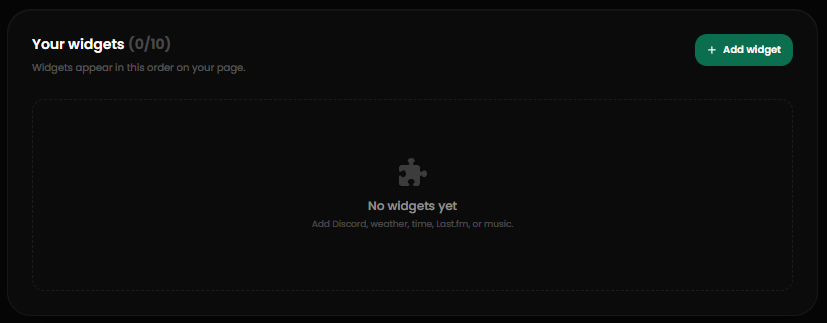
The widgets card
Widgets are like links, but they display information about the chosen social platform. To add a widget, click Add Widget to open up the menu. Once in the menu, select the social platform and provide envy with the username or any fields needed.
The Discord widget is special. You can use your linked Discord account with it.